Performance Improvements (Coming Soon)
Webmap just got faster. As clients continue adding more data layers and integrations, performance becomes even more important. Our team identified that the legend was refreshing too often, which slowed down maps with complex datasets.
The latest update streamlines how the legend and layers load, improving overall responsiveness and making navigation smoother than ever..
What’s Improved
- Legend no longer rebuilds when switching between tabs
- Legend stays static when selecting orthoimagery
- Layers load more quickly and consistently
Why it matters
These optimizations make it easier to explore and interact with your maps without delays, even in data-heavy environments.
Custom User Themes (Coming Soon)
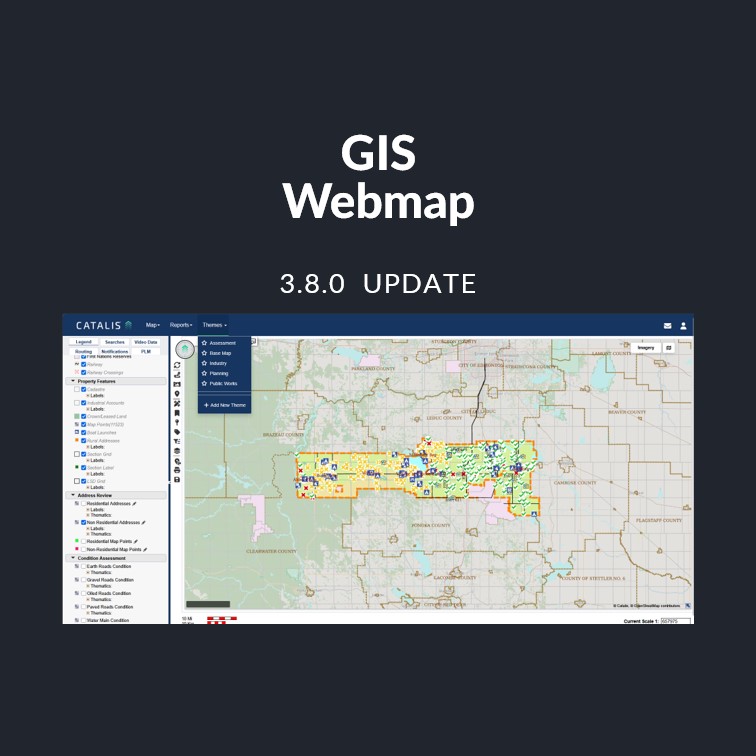
Create and manage your own map themes directly in Webmap—no support request needed. Configure default layers, tailor views to your workflow, and save time with repeat setups.
What’s New
- Configure default layers directly in the Webmap UI
- Edit and manage themes without contacting support
- Streamlined map loading for faster performance
- Greater flexibility and control for repeat workflows
Why it matters
This update gives users more autonomy and speed when setting up maps, improving efficiency for both daily and project-based work.
Coordinate System Standardization
To ensure a consistent viewing experience across all map integrations, the application now standardizes map views to EPSG:3857 (Web Mercator) — the same coordinate system used by Google Maps and most modern web mapping tools.
What’s Changing:
- All map views (in-app, Google Maps, and integrations) will now appear flat and visually aligned, with standardized zoom behavior and consistent scale.
- The underlying spatial data remains in its local coordinate system for accuracy — for example, EPSG:3401 for Alberta , EPSG:26913 for Saskatchewan and EPSG:26914 for Manitoba.
- The display conversion ensures accurate positioning when viewing or overlaying multiple datasets.
Why It Matters:
- Provides a uniform, flat map appearance across all regions.
- Improves map performance and consistency when switching between layers or zoom levels.
- Enhances compatibility with Google Maps and other web-based GIS services.