New User Interface
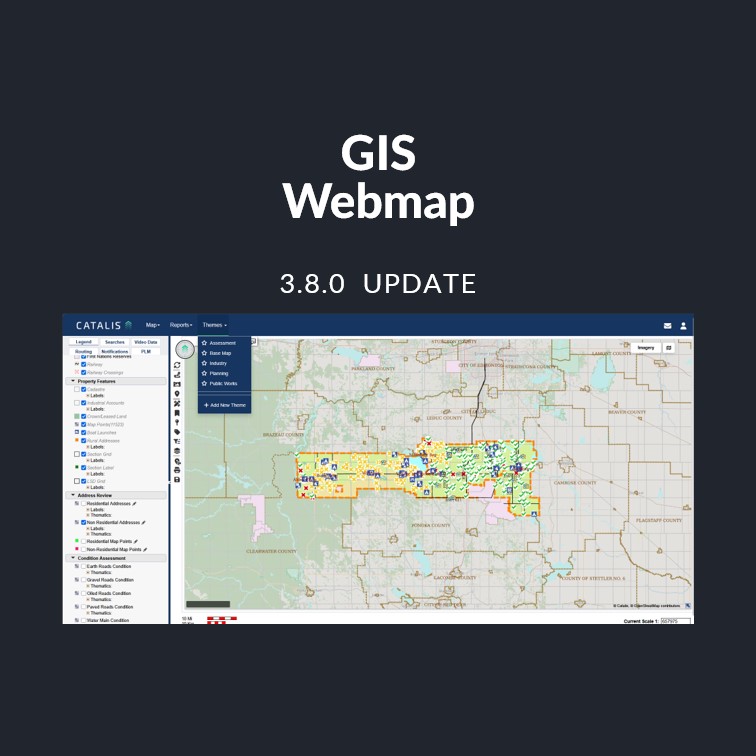
The GIS Webmap has received a comprehensive visual refresh, delivering a cleaner, more modern look and feel across the entire application — from the login page through to the map view, user management, and reporting areas. Please see changes below.
Highlights
Updated Iconography
All toolbar and navigation icons have been replaced with modern, consistent “Font Awesome” icons, improving visual clarity and recognizability across all map tools.
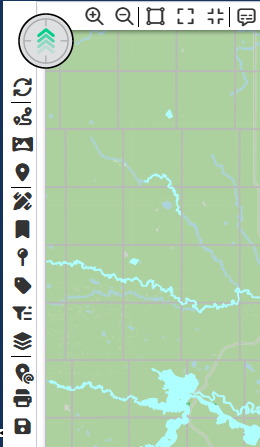
Theme Favorites
You can now favorite up to five base or custom themes for quick access directly from the main navigation. Favorited themes are displayed alphabetically for easy browsing.

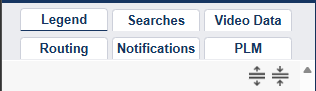
Redesigned Legend Panel
The legend has been reorganized with support for legend groups and tabs, making it easier to navigate complex layer sets. Standard base themes have been relocated to the new custom themes menu for a streamlined experience.
Updated Typography
The application font has been updated to Arial for improved readability and branding alignment across all pages.
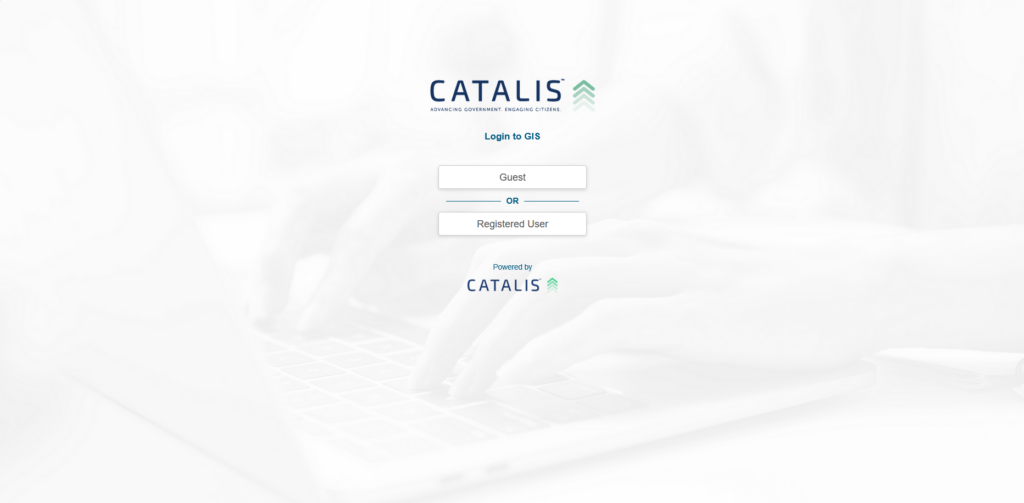
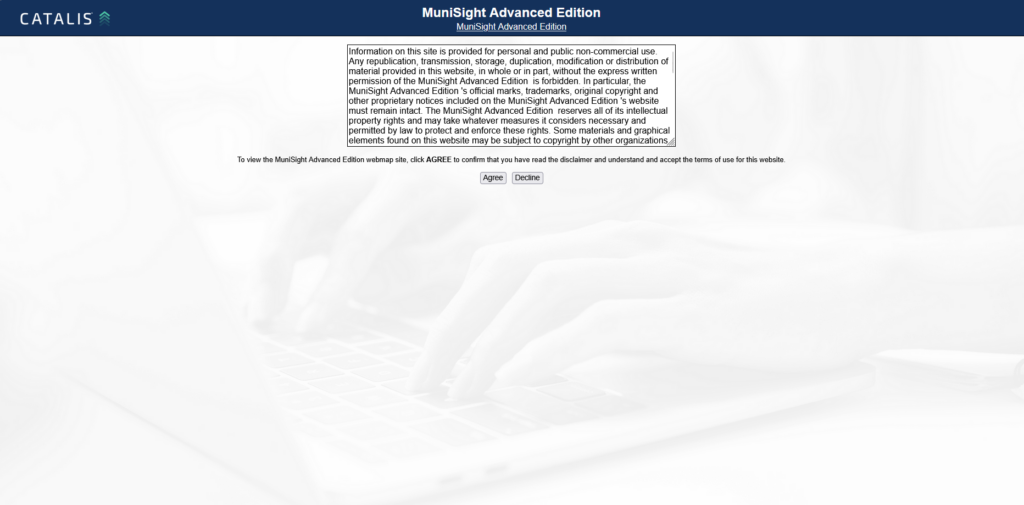
Improved Login & Public Access Pages
The login, public login, and disclaimer pages have been refreshed with updated backgrounds and styling consistent with the new look and feel.
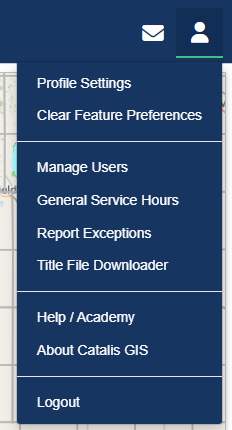
Cleaner Administration Pages
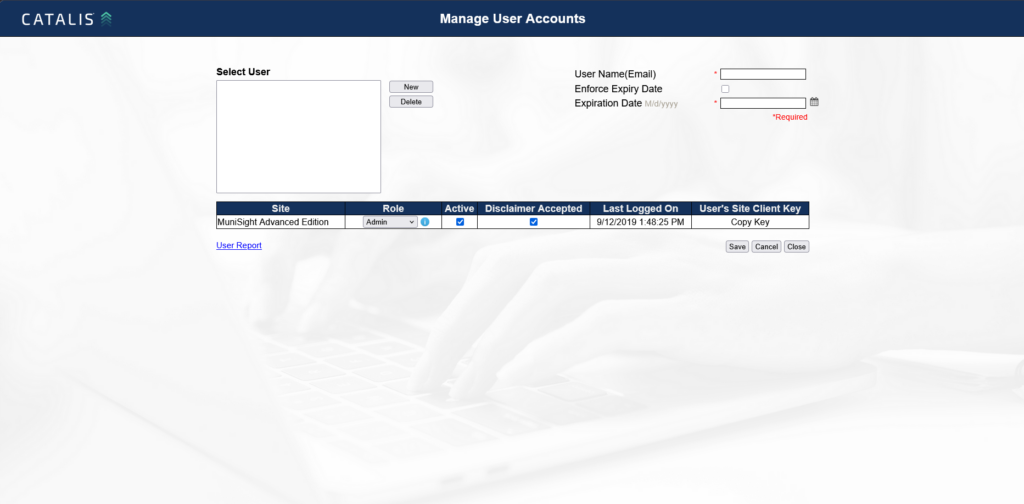
The Manage Users and User Report pages have been updated with refreshed headers, backgrounds, and improved layout for a more consistent experience with the rest of the application.
Bug Fixes
- Legend scale visibility — Legend items now correctly grey out at the appropriate map scale after the coordinate system update to EPSG:3857.
- Navigation bar — Map-specific navigation items (Reports, Themes, Quick Theme) now correctly hide when viewing non-map pages such as Weed Management.
- Background image — Resolved an issue where the login page background image was unintentionally appearing behind the map view.
- Map sub-menu hover styling — Improved hover appearance on map sub-menus for better visual consistency.
- Link functionality — Restored clickable links and tooltips on toolbar items that lost functionality during the icon migration.
- Spray report entries — Fixed an issue where deleted spray report entries were still partially visible in the Weed Infestation tab within the Weed Management module.