Linked Submissions Improvements
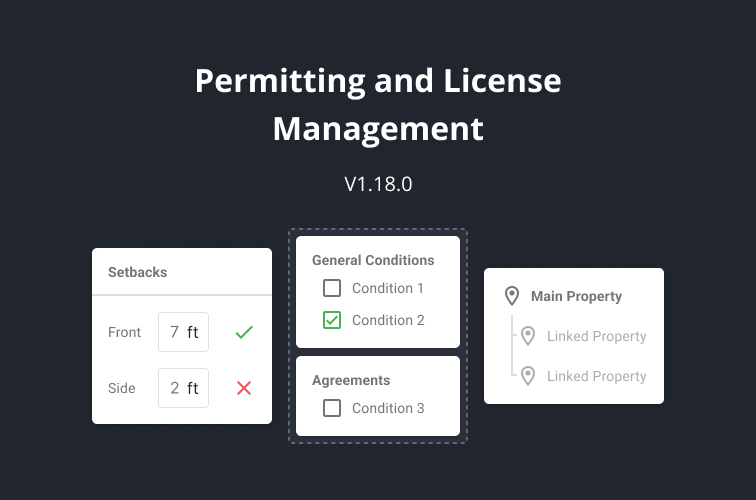
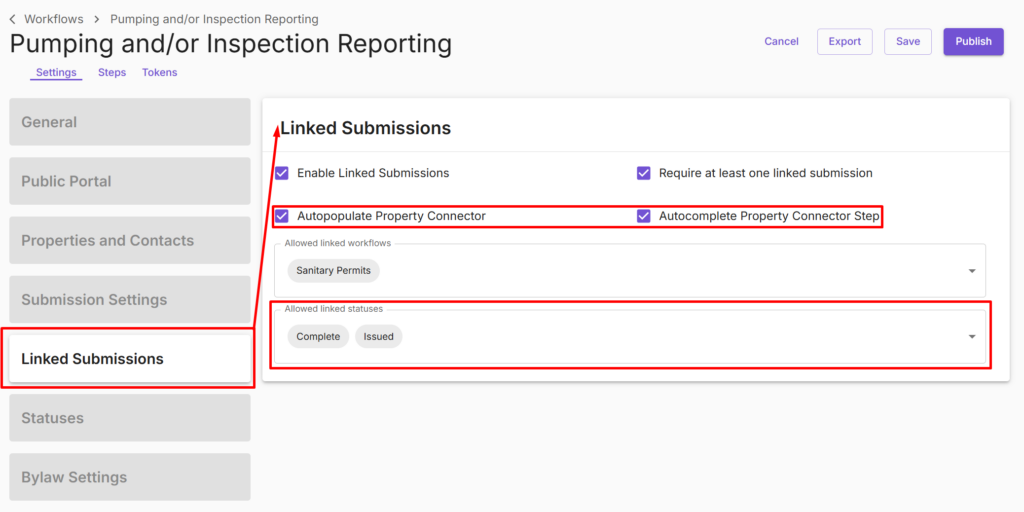
We’ve introduced enhancements to streamline the Linked Submission and Property Connector step workflows.
- Linked Submission Settings Step: All Linked Submission settings now appear in a dedicated step, making configuration easier to find and manage.
- Autopopulate Property Connector: Option to automatically fill in the Property Connector fields.
- Autocomplete Property Connector Step: Option to automatically populate and complete the entire Property Connector step.
- Allowed Linked Statuses: Option to filter out permits with irrelevant statuses from the linked submission search (e.g., non-issued or incomplete sanitary permits).
New Worker Settings
We’ve introduced a new way to add workers.
- The recommended method is still to add workers through the General Settings and the Add Worker workflow.
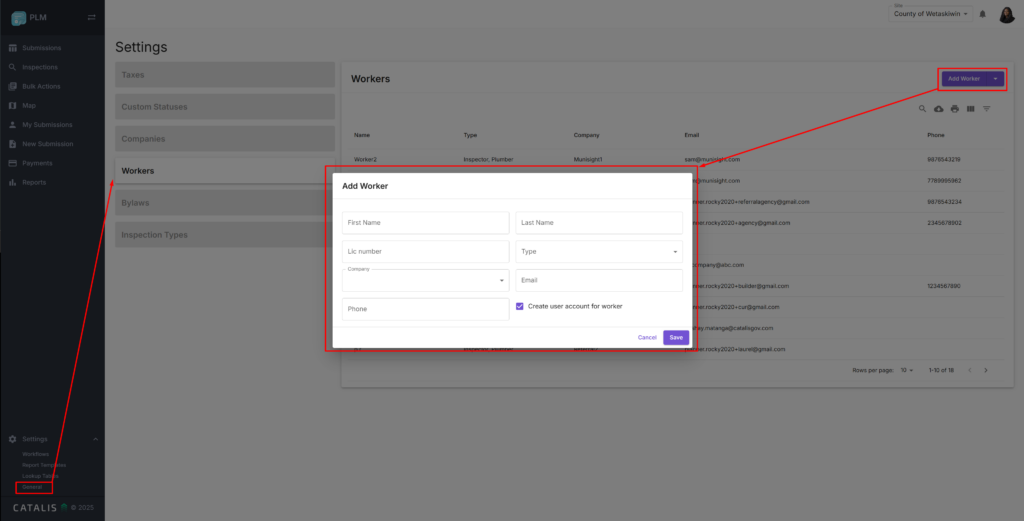
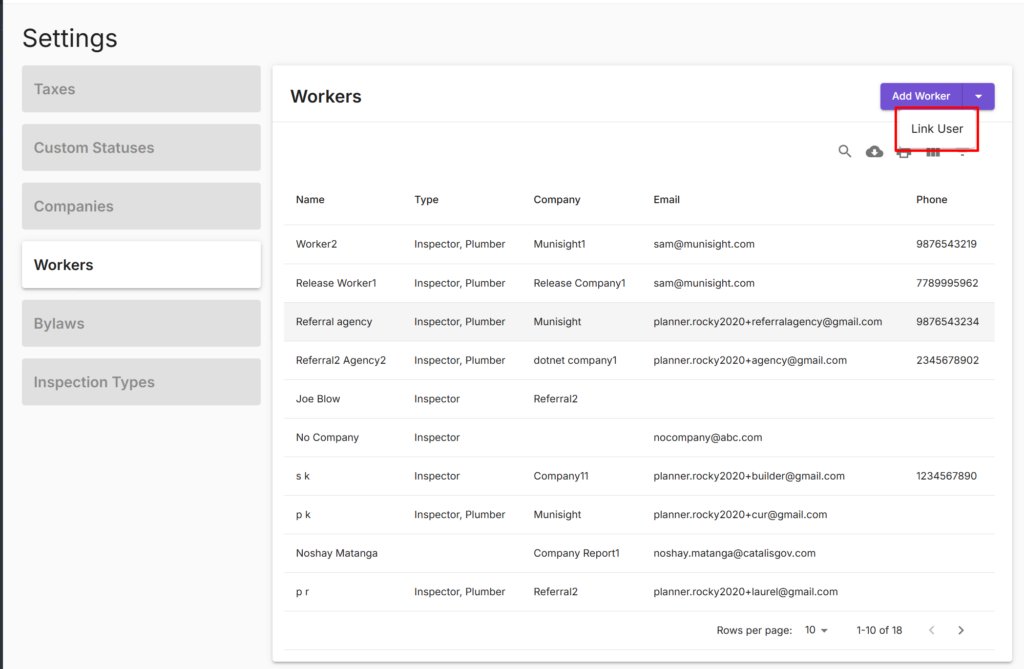
- However, if a worker is accidentally added under User Management, you can now link that user to the worker profile in Worker Settings.
Bug Fixes
Payment Step Bug
- Fixed an issue where the Public View of the Payment Section did not show payment details.
Configuration Bugs
- Fixed an issue where, when both conditional logic and required functions are applied to a field, only the conditional logic worked.